Qwen Chat Pricing: Is It Free? Web, API Tiers & Open-Weight Costs Explained
Wondering what Qwen actually costs? Qwen Chat is free to use in your browser, while the Qwen API is billed pay-as-you-go and the open-weight models are free to self-host. Those are three different products with three different cost structures, and mixing them up is the most common source of confusion about “Qwen pricing.”
This is an unofficial reference — not affiliated with Alibaba or the Qwen team. Because per-token prices change often, this guide describes the tiers qualitatively and points to the official Alibaba Cloud Model Studio pricing page for exact, current numbers.
Qwen Chat on the web is free
Qwen Chat is the consumer web assistant for Alibaba Cloud’s Qwen (Tongyi Qianwen) model family, used directly in a browser at chat.qwen.ai. It is the chat front-end to the models — a separate surface from the developer API discussed further down. Qwen itself, according to Wikipedia, is the model family developed by Alibaba Cloud and also known as Tongyi Qianwen.
What Qwen Chat is
Qwen AI, in its Qwen Chat form, behaves like most consumer LLM assistants: you type a prompt, get a response, and can hold a multi-turn conversation without touching an API key or writing code. It supports general chat, multilingual conversation, and multimodal input in a general sense — the exact feature set on any given day is set by the operator and can change, so this guide keeps the description qualitative rather than listing specific toggles or limits.
The cost of the web chat
Web usage of Qwen Chat is free. Any specific rate or usage limits are set by the operator and can shift over time, so no fixed message cap is stated here — treat “free” as the baseline for everyday chatting, with costs only entering the picture once you move to the API or to self-hosting your own instance of the model family.
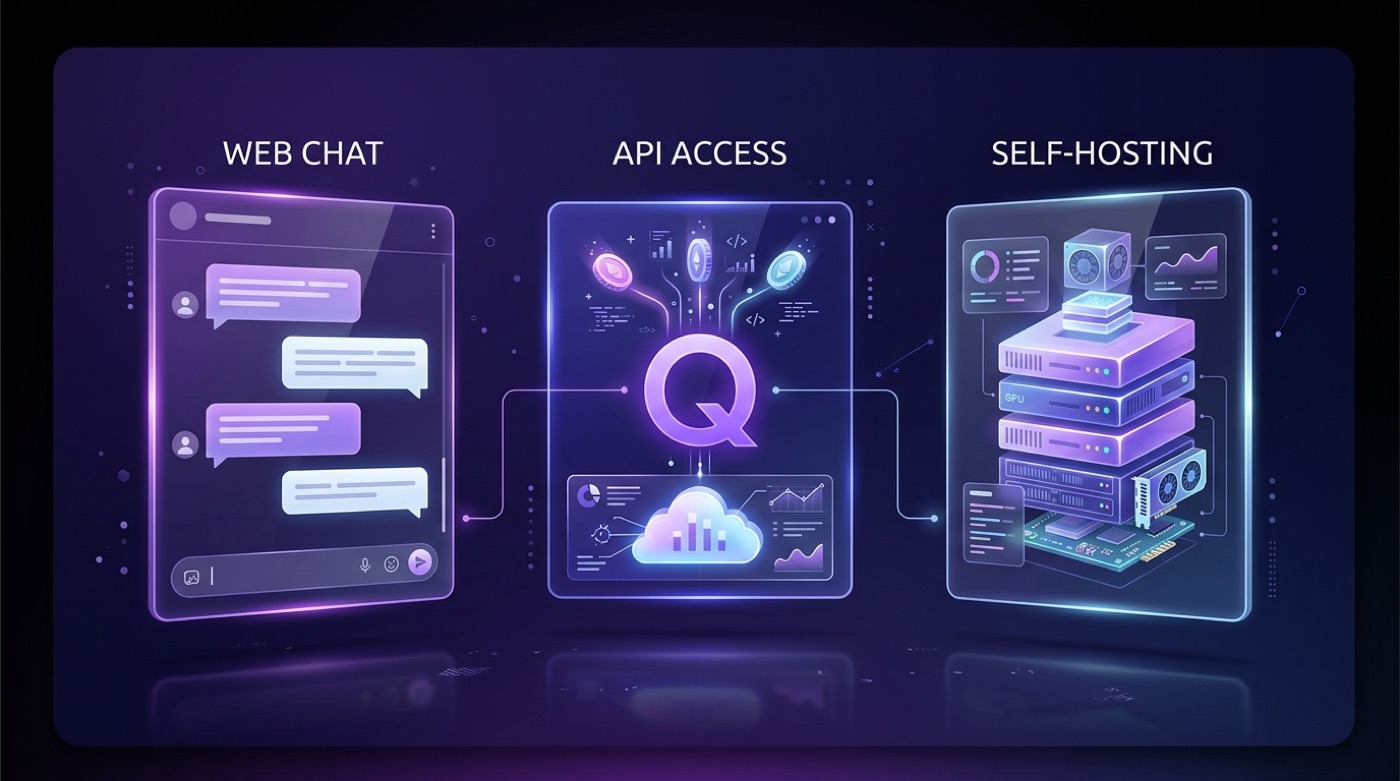
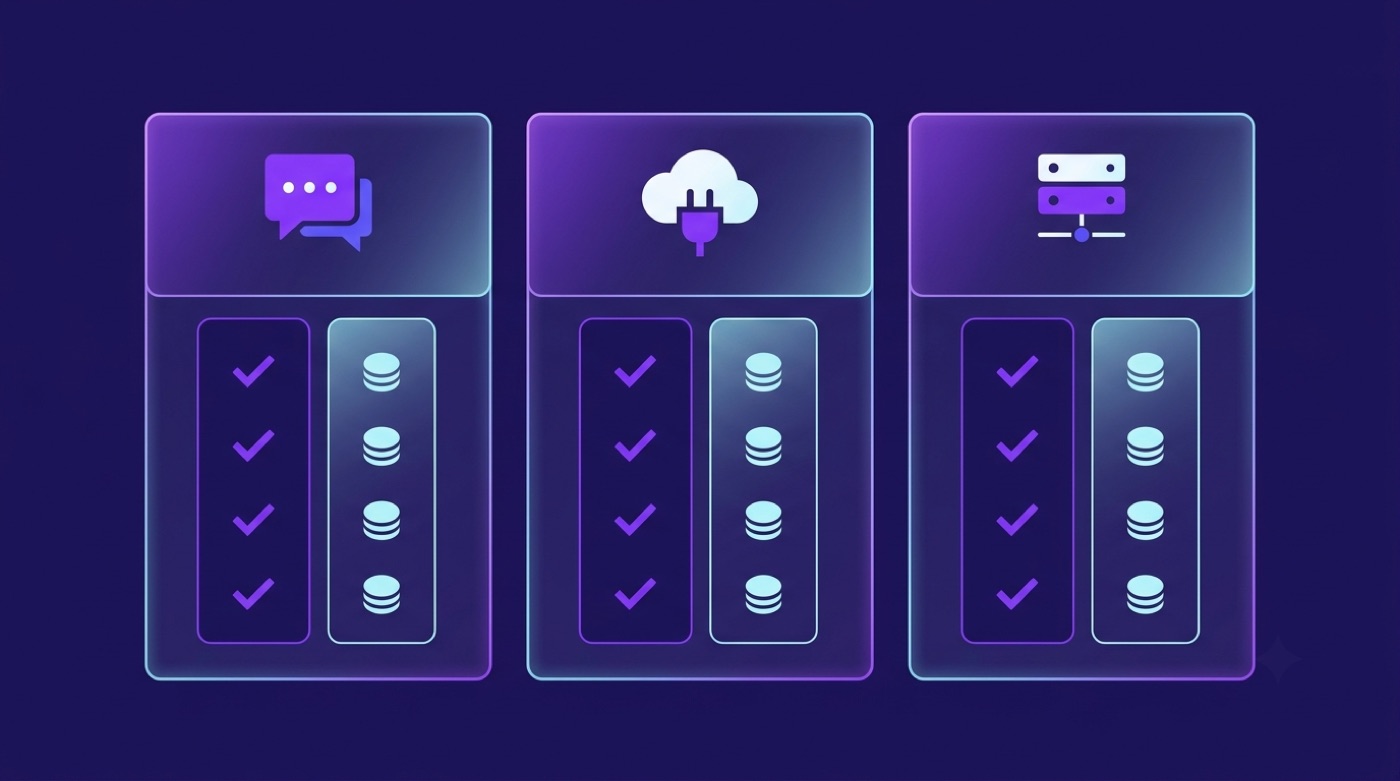
Three ways to use Qwen map to three different cost models:
- Qwen Chat (web) — free, no account tier required beyond normal sign-in.
- Qwen API — pay per token through Alibaba Cloud Model Studio.
- Open-weight self-hosting — free to download the models; you pay for your own compute.
Qwen API pricing: pay-as-you-go on Alibaba Cloud Model Studio
Once a project needs programmatic access — automation, an app, a bot — the free web chat is no longer the right tool, and that’s where Alibaba Cloud Model Studio’s paid API comes in. Model Studio is Alibaba Cloud’s console for the Qwen API family, and it is documented on the official Qwen API Platform page.
How Qwen API billing works
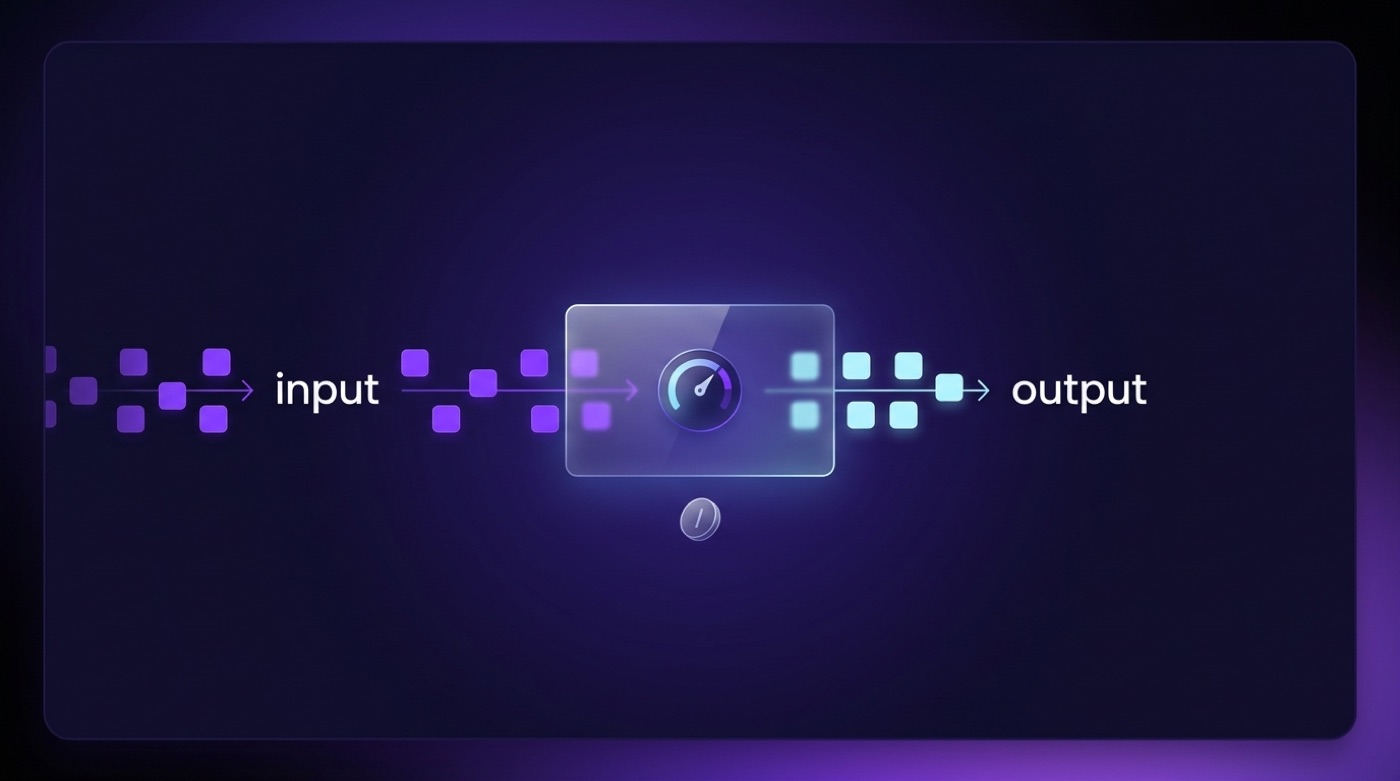
Qwen API access is billed pay-as-you-go, per token, through Alibaba Cloud Model Studio. Input tokens (what you send) and output tokens (what the model generates) are metered and priced separately, and output tokens typically cost more than input tokens across most LLM providers, Qwen included. Model Studio also exposes an OpenAI-compatible endpoint, so tooling built around the OpenAI SDK can generally point at Qwen with only a base URL and key swap.
What you’re actually charged for, once you’re on the API:
- Input tokens — every token in your prompt and any system/context text.
- Output tokens — every token the model generates in its reply, usually priced higher than input.
- Higher rates for premium tiers or long context, where applicable.
- Cheaper batch or context-caching options, where available, for repeated or bulk workloads.
Free trial and where to pay
New Alibaba Cloud and Model Studio accounts may receive a limited free trial token quota before pay-as-you-go billing kicks in. Because exact quotas and rates change, the only reliable number is whatever the official console shows on the day you sign up.
Per-token prices on Model Studio change over time and by region — always confirm the current figures on the official Qwen API Platform page rather than relying on a number quoted elsewhere.
The three API tiers: qwen-max, qwen-plus, qwen-turbo
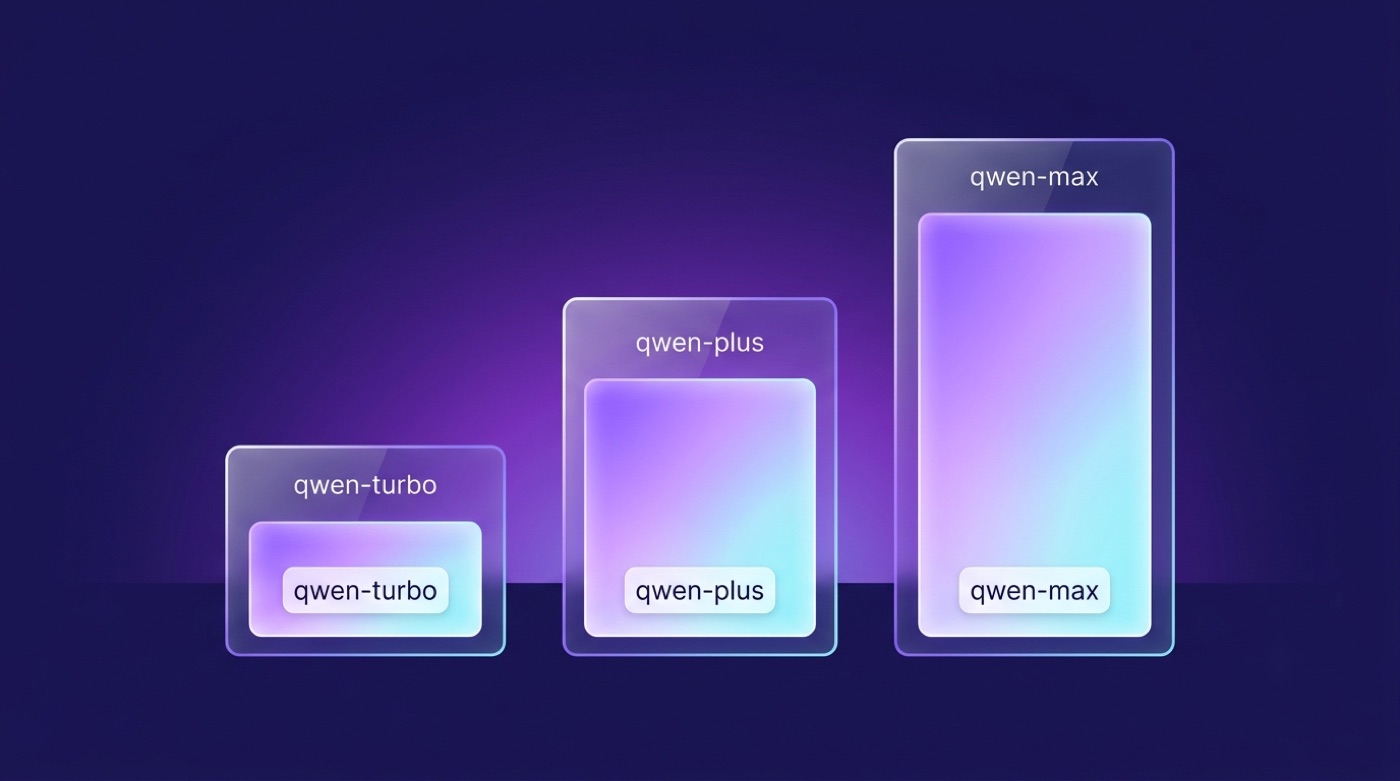
Once you’re on the API, pricing is not one flat rate — it is tiered by model, and the three commercial tiers form a clear ladder from most capable to most economical.
Tier comparison (qualitative)
| Tier | Positioning | Best for | Relative price |
|---|---|---|---|
| qwen-max | Most capable flagship | Hardest reasoning, quality-critical tasks | Highest |
| qwen-plus | Balanced workhorse | Most production workloads | Mid |
| qwen-turbo | Fastest, lightest | High-volume, latency-sensitive, simple tasks | Lowest |
Relative positioning only — verify current pricing on the official Alibaba Cloud Model Studio page.
Which tier to choose
Start cheap, upgrade only where quality demands it. A practical default is to prototype and run high-volume workloads on qwen-turbo or qwen-plus, and reserve qwen-max for calls where the extra reasoning quality clearly pays for the higher per-token cost — long-form analysis, complex multi-step tasks, or anything where a wrong answer is expensive. Context-window size also varies by model, and the family includes specialized variants, such as coding-focused models, alongside the general-purpose max/plus/turbo line — described here only qualitatively, since exact specs belong in the official documentation, not in a price guide.
Open-weight Qwen: free to download and self-host
Outside the web chat and the paid API sits a third option entirely: running the models yourself, at no license cost.
What “open weight” means for cost
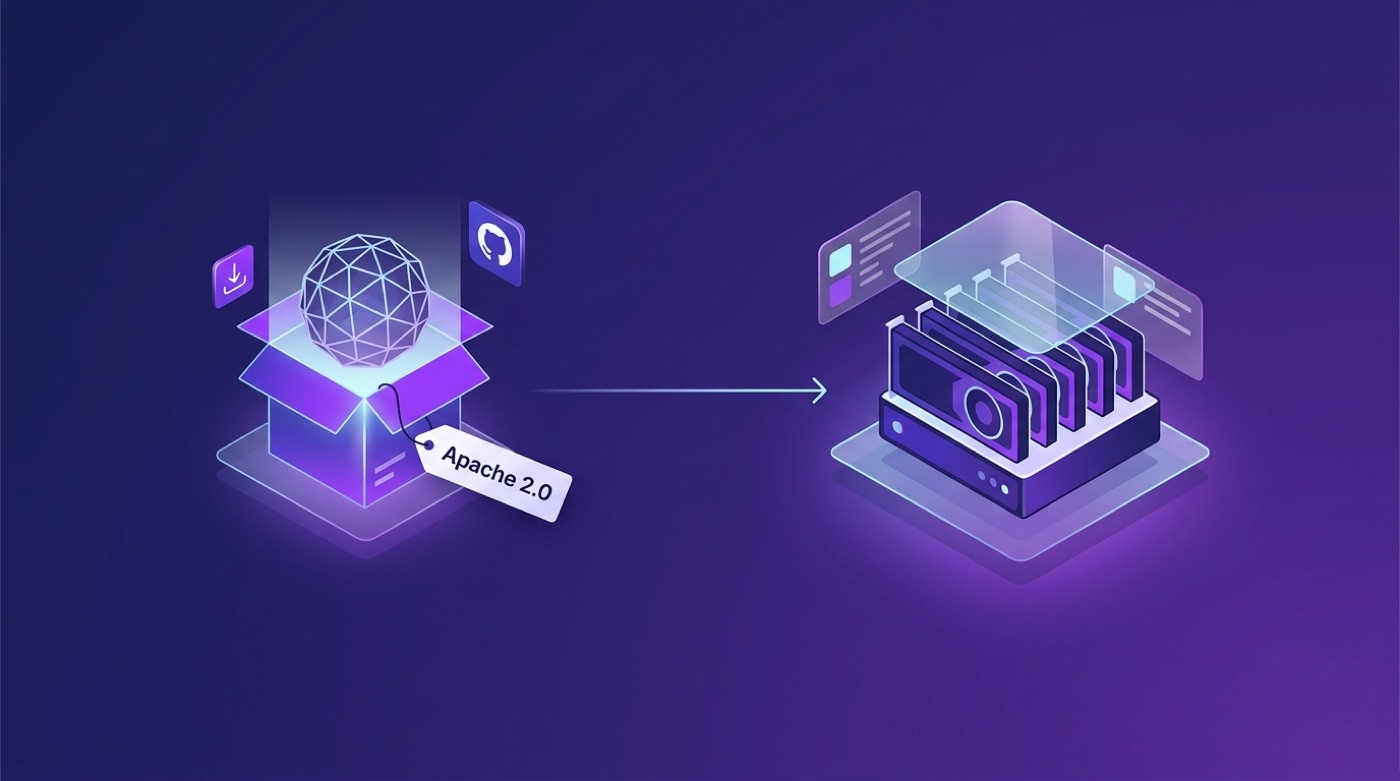
Alibaba has released many Qwen models as open weights, with a large share distributed under the permissive Apache 2.0 license. As the reference encyclopedia entry summarizes the family’s provenance:
“Qwen (also known as Tongyi Qianwen) is a family of large language models developed by Alibaba Cloud.”
— Qwen, Wikipedia
You can download these models for free from Hugging Face and from the QwenLM organization on GitHub. “Free” here refers to the license — there is no fee to download or run the weights — but you still pay for the GPU or cloud compute that actually executes inference. Not every model or size in the family necessarily shares identical license terms, so check the model card for the specific checkpoint you plan to deploy.
Costs of self-hosting break down into a short, predictable list:
- No model license fee for Apache-2.0-licensed checkpoints.
- Your own GPU hardware, or rented cloud compute.
- Ongoing operations and maintenance of the serving stack.
- Infrastructure to scale beyond a single machine, if your volume grows.
When self-hosting is worth it vs the API
The trade-off is fairly clean. The API means zero infrastructure, pay-per-token billing, and always running the latest hosted versions Alibaba Cloud maintains. Self-hosting means a fixed compute cost instead of a per-token fee, full control over your data, and the option to run fully offline. License terms can still vary by model and size, so re-check the Hugging Face model card before committing to a self-hosted deployment at scale.
Free vs paid: which Qwen should you use?
Put side by side, the three surfaces cover very different use cases and budgets. For most people the answer is simple — you can try Qwen Chat free in the browser and only reach for the paid API when a project genuinely needs it.
Free vs paid summary
| Surface | Cost model | Free? | Best for |
|---|---|---|---|
| Qwen Chat (web) | None | Free | Everyday chat, trying Qwen |
| Qwen API (Model Studio) | Pay-as-you-go per token | Trial quota may apply, then paid | Apps, automation, scale |
| Open-weight self-host | Your own compute | Free license, paid compute | Privacy, offline, high volume |
Exact API prices change — see the official Alibaba Cloud Model Studio page for current figures.
A quick decision guide for picking a surface:
- Just want to try or use Qwen conversationally? Use Qwen Chat online — it’s free.
- Building an app or automation? Start on the Qwen API with qwen-turbo or qwen-plus.
- Need top quality per call, and the budget to match? Move up to the qwen-max tier.
- Need privacy, offline access, or very high sustained volume? Self-host an open-weight model instead.