Qwen Chat Features: A Complete Guide to Qwen’s Capabilities
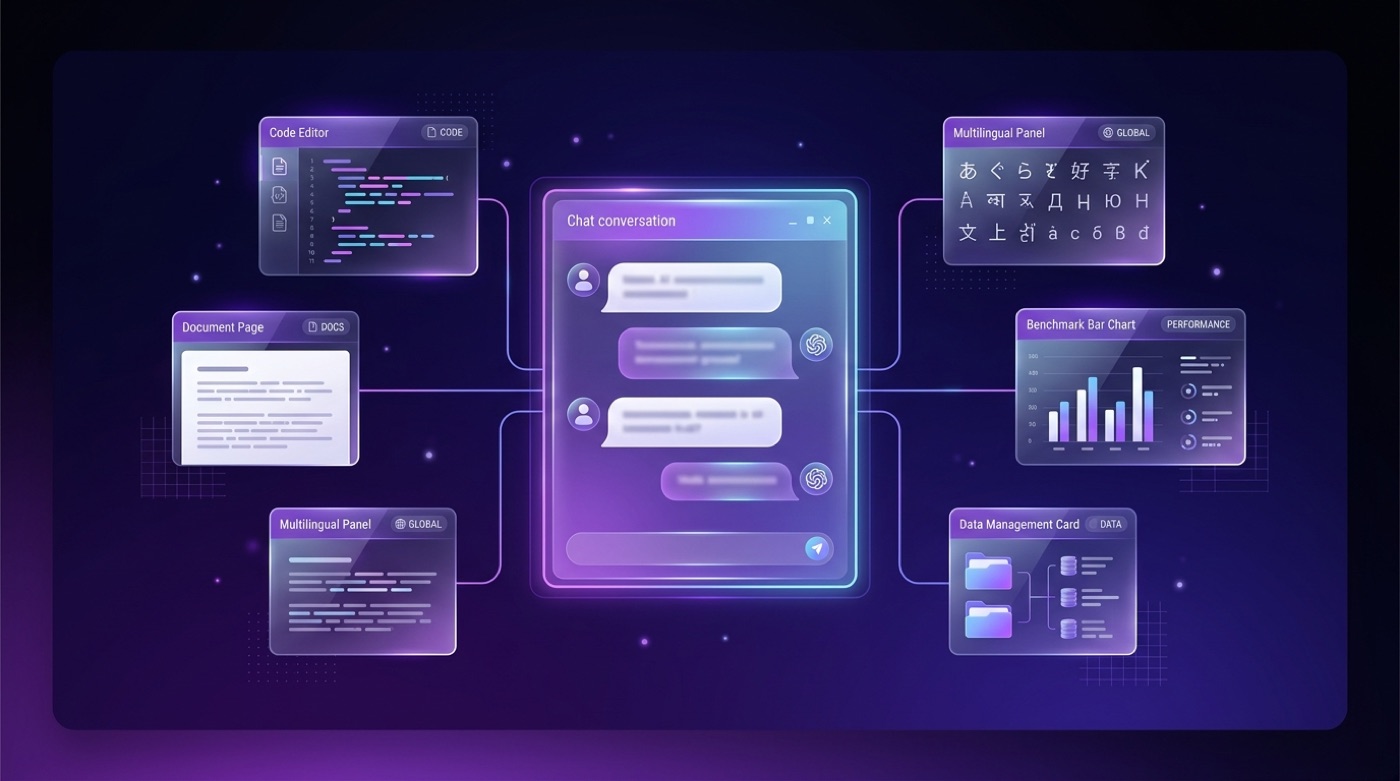
Qwen Chat is the free web and mobile interface to Alibaba’s Qwen model family, and if you want to jump straight in, you can try Qwen Chat right now. It bundles conversational chat, coding help, long-context reading, multilingual support, vision, step-by-step reasoning and agentic tool use into a single assistant.
This guide covers what the Qwen model family and Qwen Chat interface actually do, drawing on the Qwen team’s own technical blog and public documentation for specifics. This site is unofficial and not affiliated with Alibaba or the Qwen team; the official Qwen Chat is at chat.qwen.ai.
What Is Qwen Chat?
Qwen, Tongyi Qianwen and who builds it
Qwen — known in Chinese as Tongyi Qianwen (通义千问) — is a family of large language models developed by Alibaba Cloud’s Qwen team. According to Wikipedia, the project first appeared as a beta release in April 2023 and was opened to the public in September 2023. Qwen Chat is the assistant interface built on top of these models — it is the product people actually type into, while “Qwen” and “Qwen3” refer to the underlying models themselves.
That distinction matters in practice: Qwen Chat is powered by Qwen3, the newest generation of dense and mixture-of-experts (MoE) models the Qwen team released in April 2025. Everything described below — coding help, long documents, multiple languages, images, reasoning — sits on top of that same underlying model family, surfaced through the chat interface.
The disclaimer, stated plainly
To be clear: this reference site is unofficial and not affiliated with Alibaba or the Qwen team. The official Qwen Chat product runs at chat.qwen.ai, and that is where any account, billing or support question ultimately needs to be resolved.
Core Chat Features
Day-to-day, Qwen Chat behaves like other modern assistant interfaces. According to Alibaba Cloud’s product materials, the interface supports:
- Multi-turn conversation — the assistant keeps context across a back-and-forth exchange rather than treating each message in isolation.
- Document upload and analysis — users can attach files for the model to read and summarize.
- Web search integration — the assistant can pull in current information rather than relying solely on training data.
- Artifacts and code blocks — generated code, tables and structured output render as separate, reusable blocks.
- Model switching — users can pick between different Qwen models depending on whether they need speed or deeper reasoning.
These are the well-established, everyday capabilities; the more specialized ones — coding, vision, reasoning — are covered in their own sections below.
Coding Assistance
Writing, debugging and explaining code is one of Qwen’s core use cases. Alongside the general-purpose Qwen3 models, the Qwen team maintains a dedicated Qwen-Coder line built specifically for programming tasks — generating functions, fixing bugs, and walking through what a piece of code does.
Agentic coding workflows are part of the pitch, but treat specifics with a hedge. The Qwen team describes Qwen3 as built for more autonomous, multi-step coding tasks, not just single-turn code generation. Public leaderboards periodically rank Qwen-Coder models against other open models, but exact scores shift with every benchmark refresh, so this guide does not cite specific numbers.
The primary home for code, weights and usage instructions is the QwenLM GitHub organization, where the Qwen team publishes the open Qwen3 repositories directly.
Long-Context Understanding
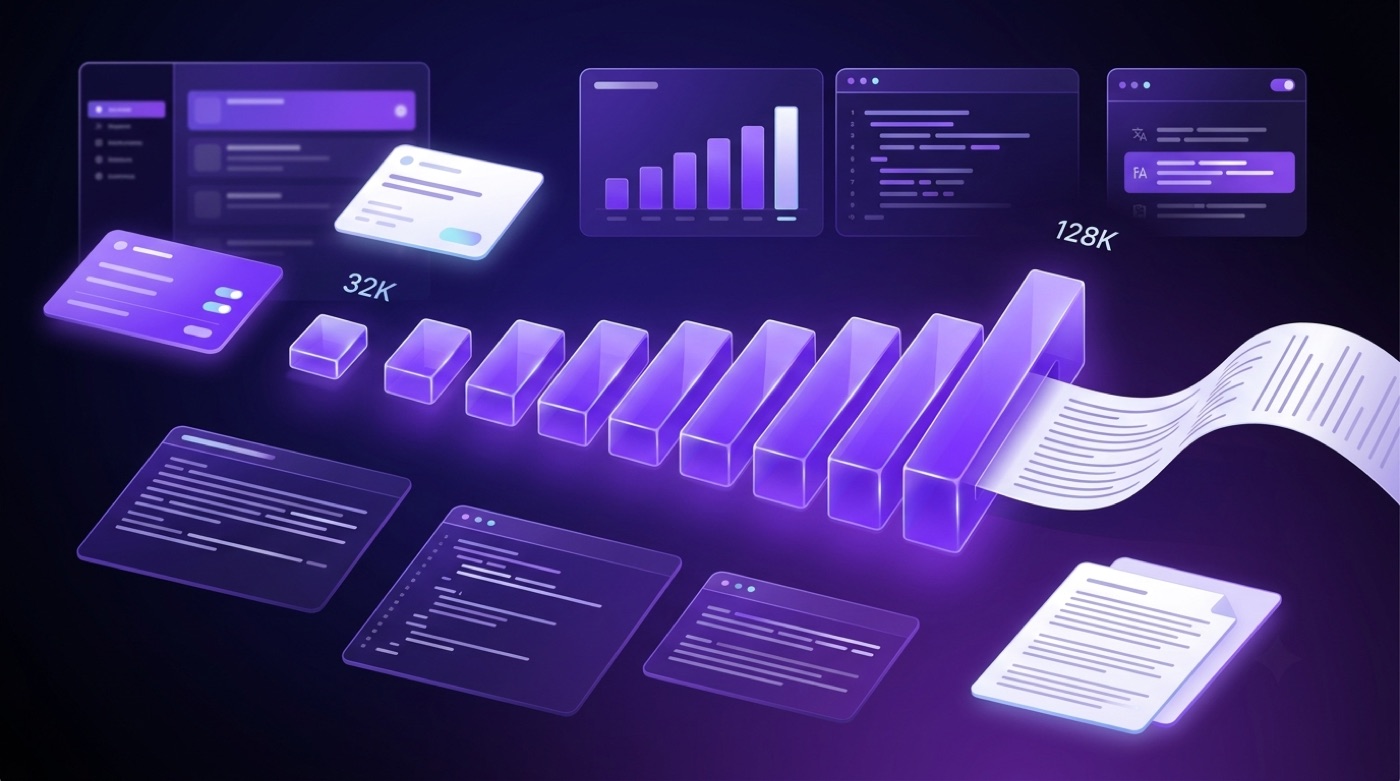
Long documents and large codebases only work well in an assistant if it can actually hold that much text in memory at once. The Qwen3 blog specifies context windows that scale with model size, rather than a single fixed number across the whole family.
| Qwen3 model size | Context window |
|---|---|
| 0.6B / 1.7B / 4B (dense) | 32K tokens |
| 8B / 14B / 32B (dense) | 128K tokens |
| 30B-A3B (MoE) | 128K tokens |
| 235B-A22B (MoE) | 128K tokens |
A 128K-token context window is large enough to hold a lengthy report, a long chat transcript, or a moderately sized codebase in a single pass, so the model can answer questions that require pulling details from across the whole document rather than just the last few paragraphs. These figures come directly from the Qwen3 blog post published by the Qwen team.
Multilingual Support
Qwen3 was trained on roughly 36 trillion tokens spanning 119 languages and dialects, according to both the Qwen3 blog and Wikipedia. That figure covers a wide span of major world scripts and language families, not just English and Chinese, which is part of why Qwen Chat is often discussed as a genuinely multilingual assistant rather than one with bolted-on translation support. This guide uses that primary 119-language figure rather than smaller counts sometimes repeated by review sites, since it traces directly back to the Qwen team’s own training disclosure.
Vision and Multimodal (Qwen-VL and Omni)
Qwen’s multimodal branch extends the same underlying models to handle more than plain text. Per Wikipedia, the family includes:
- Qwen-VL — combines a vision transformer (ViT) with the language model so it can look at an image and answer questions or describe what it sees.
- Qwen2.5-VL — a newer generation of the vision-language line, shipped in 3B, 7B, 32B and 72B parameter variants.
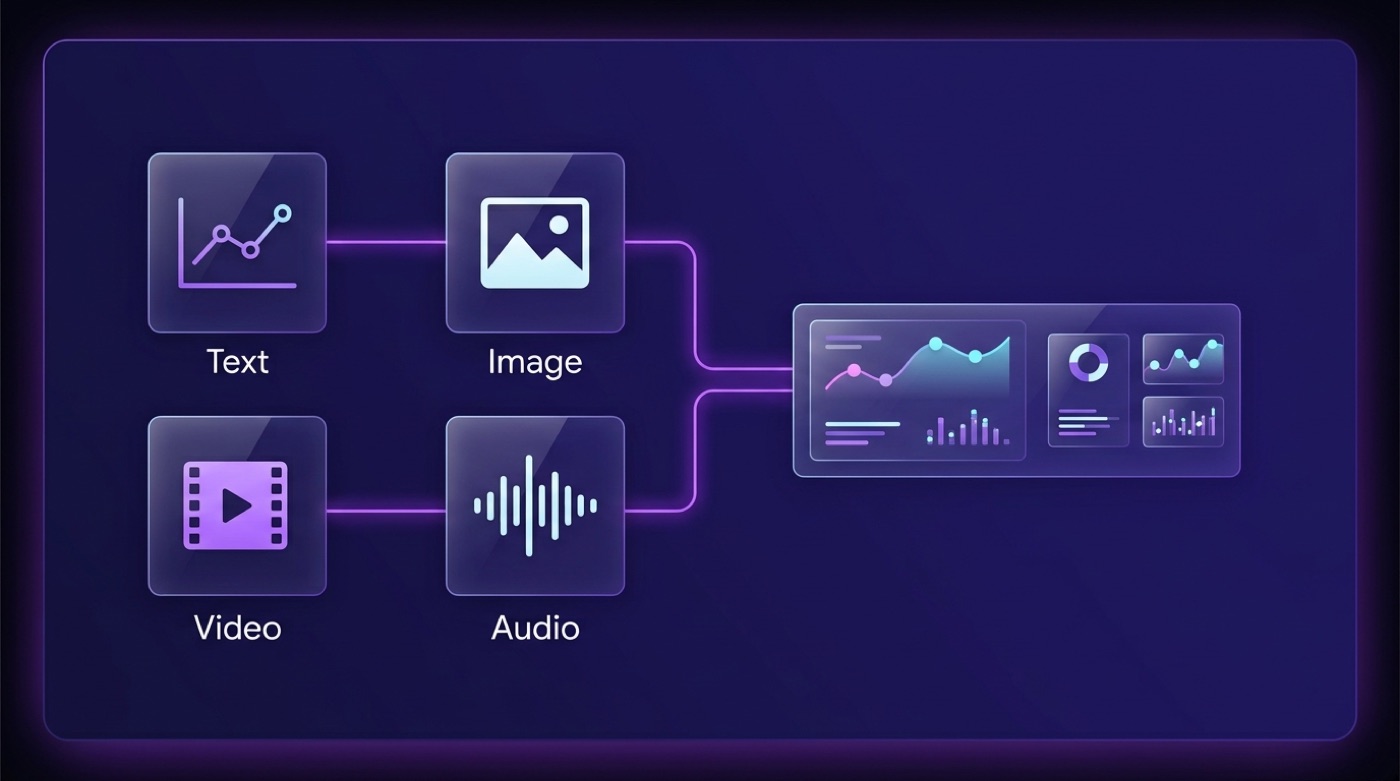
- Qwen2.5-Omni — the broadest of the group, accepting text, images, video and audio as input, and producing both text and audio output, including real-time voice.
Input modalities across the vision and multimodal line include:
- Text
- Static images
- Video
- Audio
That range is what lets Qwen Chat move beyond a plain text box into tasks like describing a photo, reading a chart, or holding a spoken exchange, depending on which model variant is behind the conversation.
Reasoning and Thinking Mode
Qwen’s reasoning story has two chapters. The first is QwQ-32B, a dedicated reasoning model the Qwen team released in November 2024 with a 32K context window under the Apache 2.0 license — built specifically to work through problems step by step rather than answer instantly.
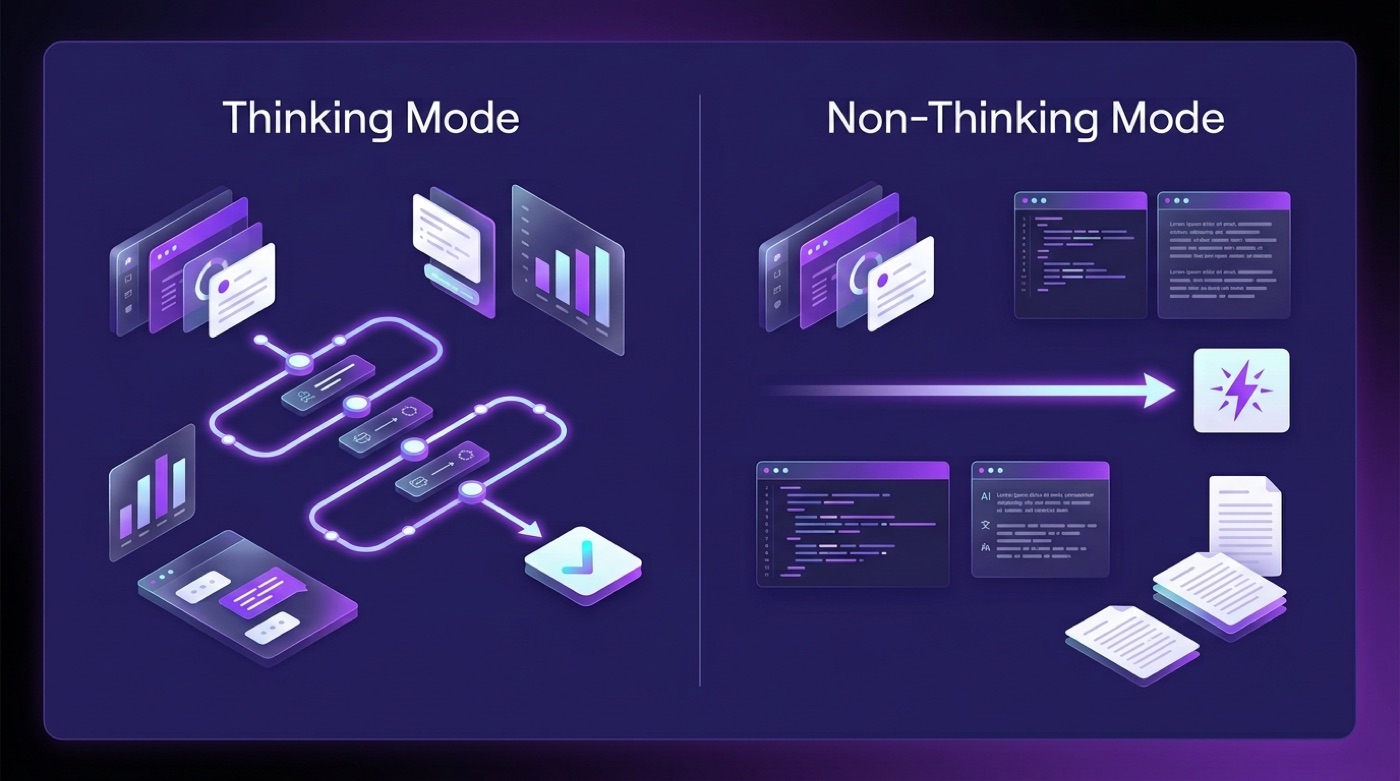
Qwen3 folded that step-by-step approach into the main model line instead of keeping it separate. Rather than shipping a reasoning model and a fast model side by side, Qwen3 offers a hybrid design: a single model that can switch between a slower “Thinking Mode” for problems that benefit from working through steps, and a faster “Non-Thinking Mode” for straightforward requests where deliberation would just add latency.
Qwen3 models support seamless switching between thinking mode… for complex, multi-step reasoning and non-thinking mode… for quick, near-instant responses. This flexibility allows users to control how much “thinking” the model performs based on the task at hand.
Qwen Team, “Qwen3: Think Deeper, Act Faster”
That switch is what the blog post title refers to as “think deeper, act faster” — the same model handles both a quick factual question and a multi-step logic problem, adjusting how much internal deliberation it does before answering.
Agentic Tool Use
Beyond answering questions directly, Qwen3 is described by the Qwen team as built for agentic use — calling external tools and functions, and carrying out tasks that require several steps rather than a single reply. The Qwen3 blog frames this under the “Act Faster” half of its title: function calling and tool integration so the model can, for example, query an API or run a script as part of completing a request.
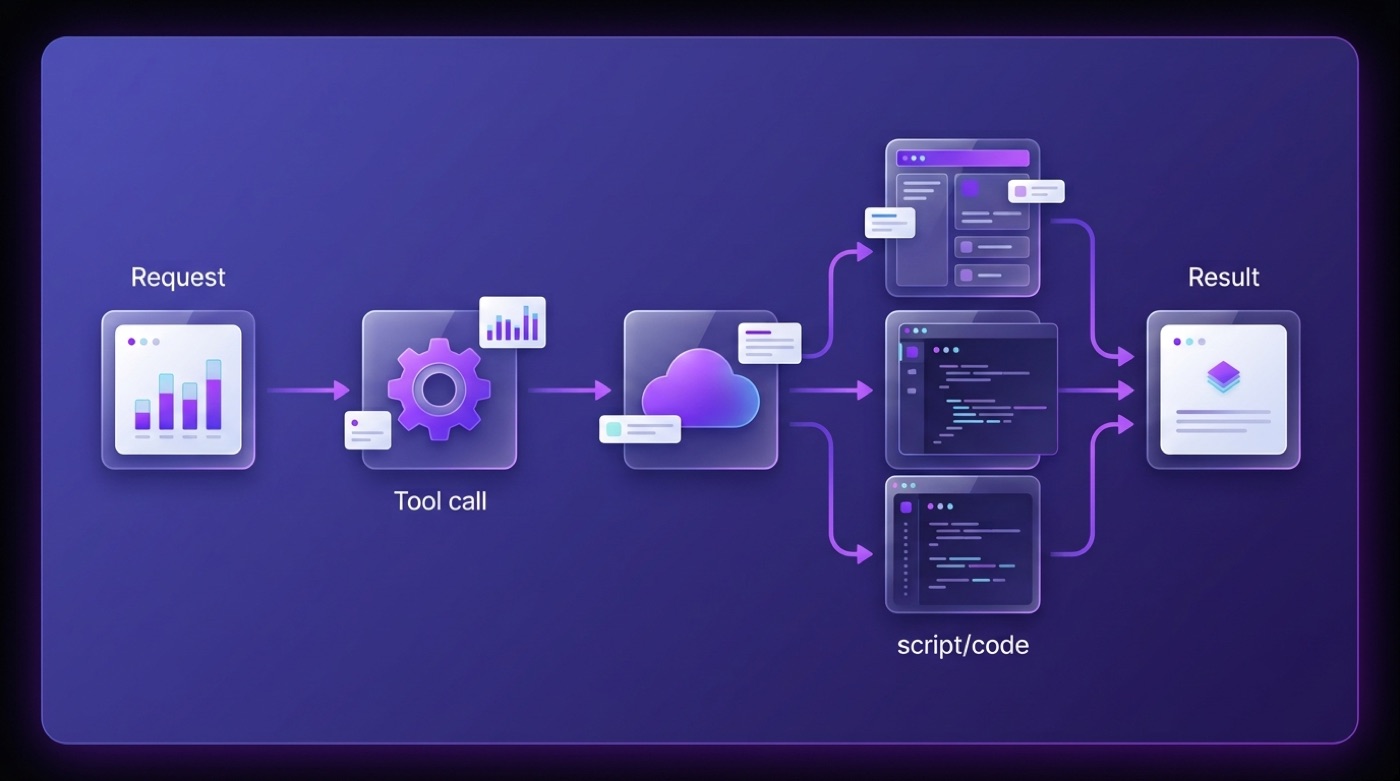
Specific agent-framework integrations and Model Context Protocol (MCP) support are described in vendor materials and evolve frequently, so treat any particular framework claim as vendor-described rather than independently verified. In practice, developers most often reach these capabilities by deploying a Qwen3 model behind a serving stack such as Ollama or vLLM rather than through the hosted Qwen Chat interface alone.
Open-Weight Availability and Where to Run It
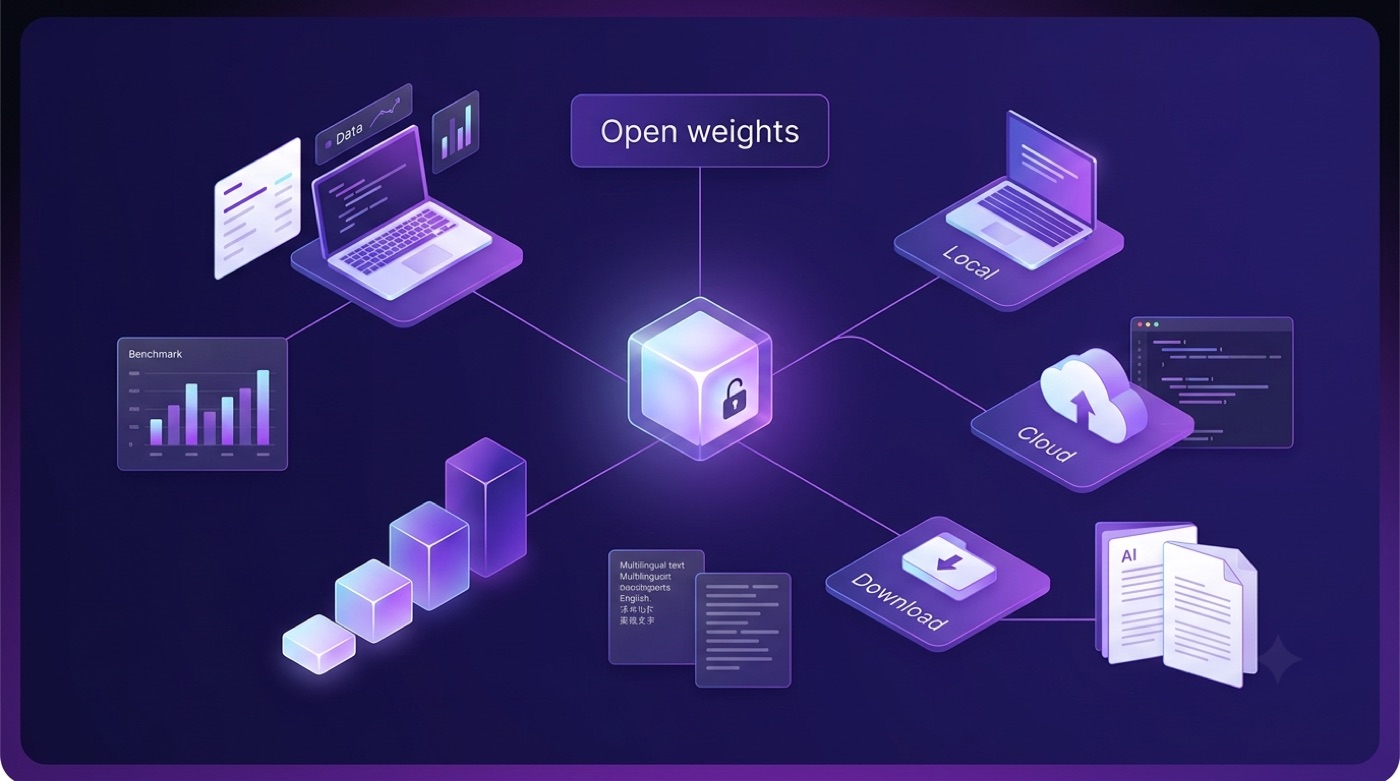
Most of the Qwen3 family — both the dense models and the MoE variants — is released as open weights under the Apache 2.0 license, meaning the model files themselves can be downloaded and run outside the hosted Qwen Chat product. Per Wikipedia, Alibaba has released more than 100 open-weight models across the Qwen family in total, with over 40 million cumulative downloads.
| Model | Total / active parameters | Context |
|---|---|---|
| Qwen3-0.6B / 1.7B / 4B | Dense | 32K |
| Qwen3-8B / 14B / 32B | Dense | 128K |
| Qwen3-30B-A3B | MoE | 128K |
| Qwen3-235B-A22B | 235B total / 22B active (MoE) | 128K |
| Qwen3-Max | Proprietary, 1T+ (API only) | — |
How to actually get a Qwen3 model running depends on the setup:
- Browse the model files on Hugging Face, ModelScope or Kaggle, where the Qwen team mirrors its open-weight releases.
- Pick a size that fits your hardware — a small dense model like the 4B variant runs on modest consumer hardware, while the 235B-A22B MoE model needs substantially more.
- Run it locally with a tool like Ollama, LM Studio, MLX or llama.cpp, all of which support the open Qwen3 weights.
- Serve it at scale with an inference framework such as SGLang or vLLM if you need to handle multiple concurrent requests.
- Check the license on the specific variant you want — most Qwen3 models are Apache 2.0, but not every model in the wider Qwen family is open-weight.
Qwen3-Max is the exception to the open-weight pattern: it is a proprietary, larger flagship model available only through Alibaba’s API, not as downloadable weights. All of these figures are attributed to the Qwen3 blog and Wikipedia.
Web and App Access
The official Qwen Chat interface lives at chat.qwen.ai, accessible from a browser on the web as well as through mobile apps. Free access to the core chat experience is available, though exact tiers, rate limits and any paid features change over time — this guide does not cite specific prices, since those shift independently of the underlying models. For a closer look at the feature set covered here, Qwen Chat features is a good starting point.
As a reminder, this is an independent, unofficial reference; nothing here is published or endorsed by Alibaba or the Qwen team, and the authoritative product itself is chat.qwen.ai.