How to Access the Qwen API: A Practical Guide (Model Studio, DashScope & Self-Hosting)
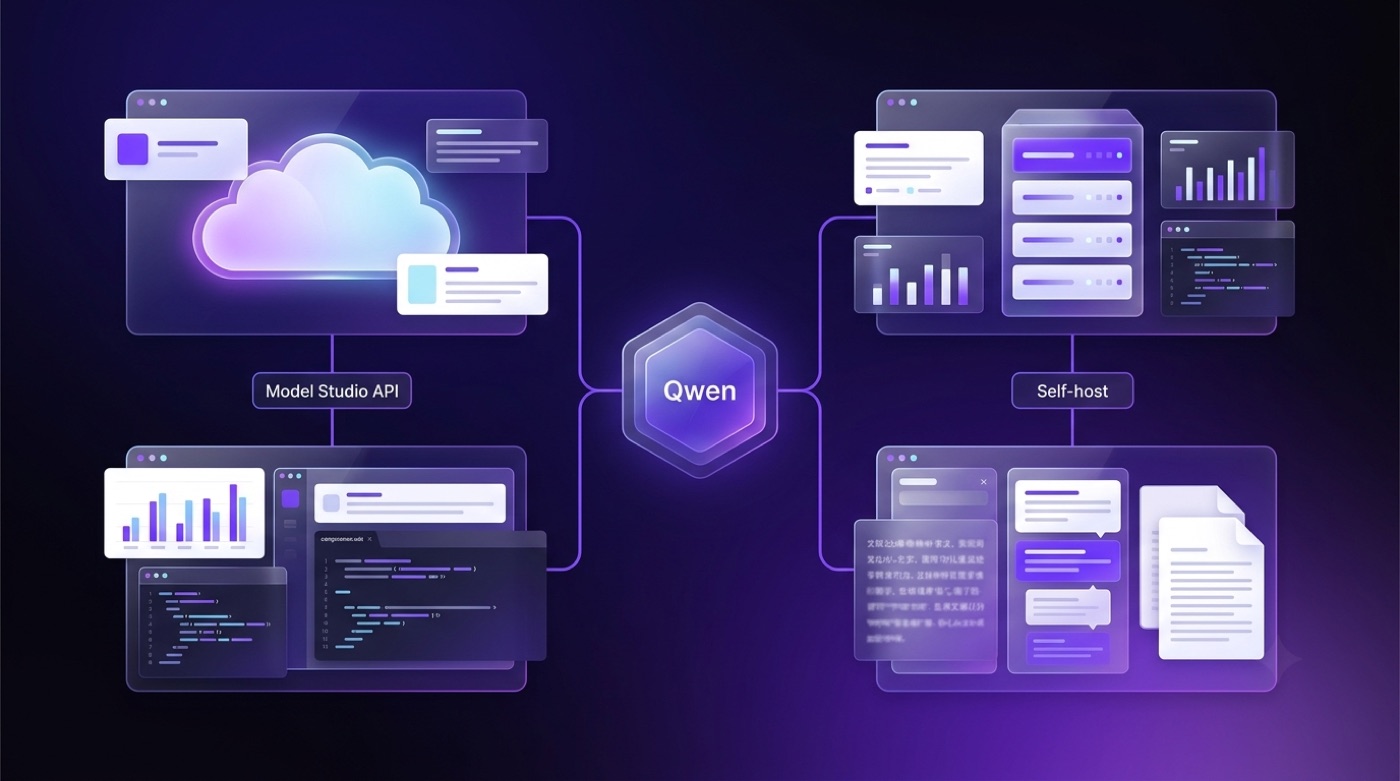
Getting started with the Qwen Chat ecosystem programmatically comes down to one official route — Alibaba Cloud Model Studio — plus a fully open-weight path you can host yourself. This guide walks through both, from creating a key to your first request.
Qwen (also written Tongyi Qianwen) is a family of large language models built by Alibaba Cloud, as documented on Wikipedia. You reach the paid API through Model Studio’s DashScope service, and you can alternatively download the open weights and run them on your own hardware.
This is an unofficial guide — qwenchat.pro is not affiliated with Alibaba Cloud or the Qwen team. Model names, endpoints and prices change; always confirm current values in the official documentation.
What the Qwen API actually is
Qwen is Alibaba Cloud’s large language model family, spanning general-purpose chat models, vision-language models, and coding-specialized variants. The official API surface for reaching these models is Alibaba Cloud Model Studio, and the underlying model-serving layer that actually processes requests is called DashScope. In practice, DashScope exposes two things at once: a native interface with the fullest feature set, and an OpenAI-compatible mode that lets existing OpenAI SDK code point at Qwen with minimal changes.
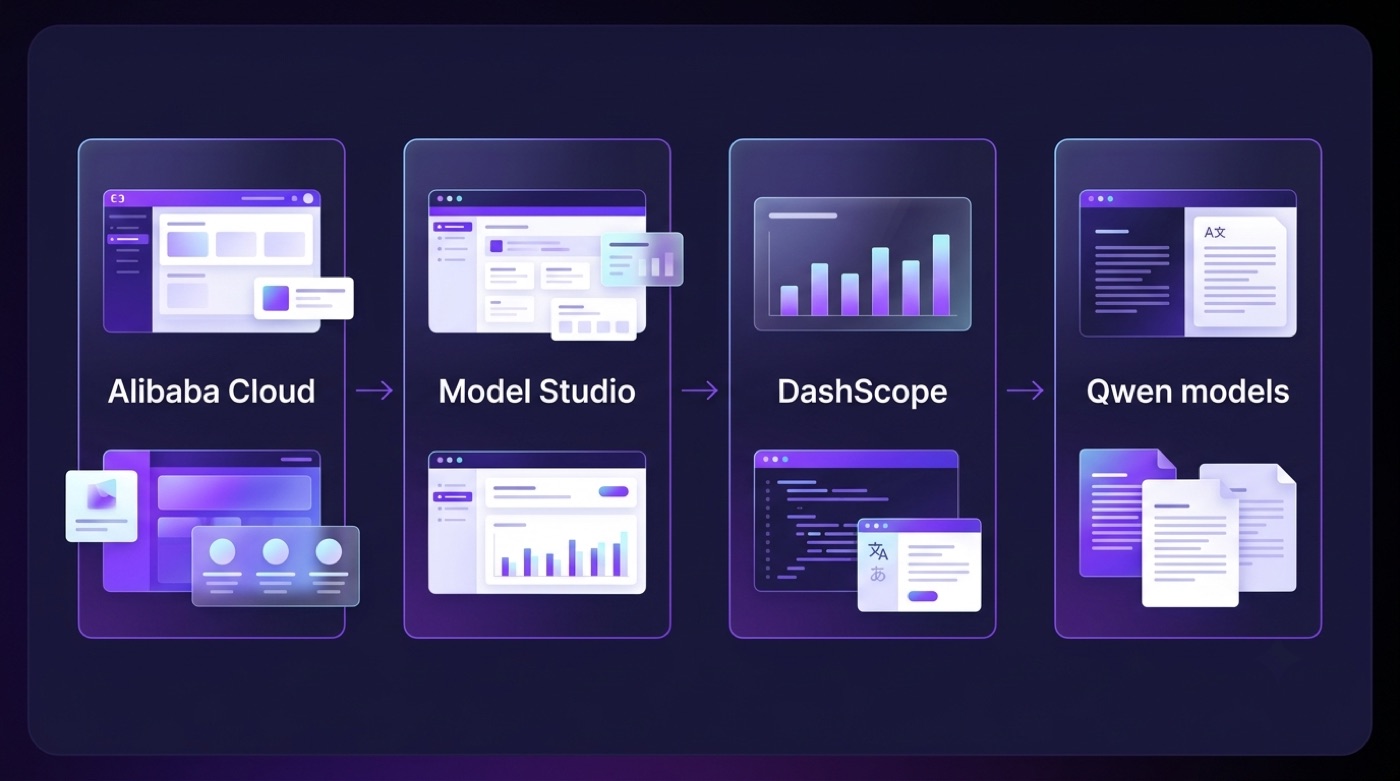
That layering — Alibaba Cloud as the parent platform, Model Studio as the console, DashScope as the serving engine — trips up a lot of newcomers, so it’s worth separating the three names before writing any code.
Model Studio vs. DashScope vs. Qwen Chat
People frequently conflate three different products that share the Qwen name. Model Studio is the console where you manage billing, activate services, and generate API keys. DashScope is the model-serving service and native SDK that Model Studio sits on top of — it’s what actually runs inference. Qwen Chat (chat.qwen.ai) is the consumer-facing web chat interface, not an API at all — you can’t call it programmatically. This unofficial hub, qwenchat.pro, covers the Qwen ecosystem for readers but is a separate, independent resource.
| Name | What it is | When you use it |
|---|---|---|
| Model Studio | Console/platform for account, billing, keys | Setting up access, managing usage |
| DashScope | Model-serving service + native SDK | Making native or OpenAI-compatible API calls |
| Qwen Chat | Consumer web chat UI | Casual browser-based chat, not programmatic access |
Two API interfaces: native DashScope and OpenAI-compatible
DashScope offers a native interface with the fullest feature set — this is the recommended path if you need every parameter and capability Alibaba Cloud exposes. Alongside it, Model Studio also documents an OpenAI-compatible Chat Completions mode, which is a drop-in option for teams that already have code built around the OpenAI Python or Node SDKs. Anthropic-Messages-style compatibility is also documented for some models, though that should be treated as a documented option to check per-model rather than a blanket guarantee across the whole catalog.
How to get a Qwen API key
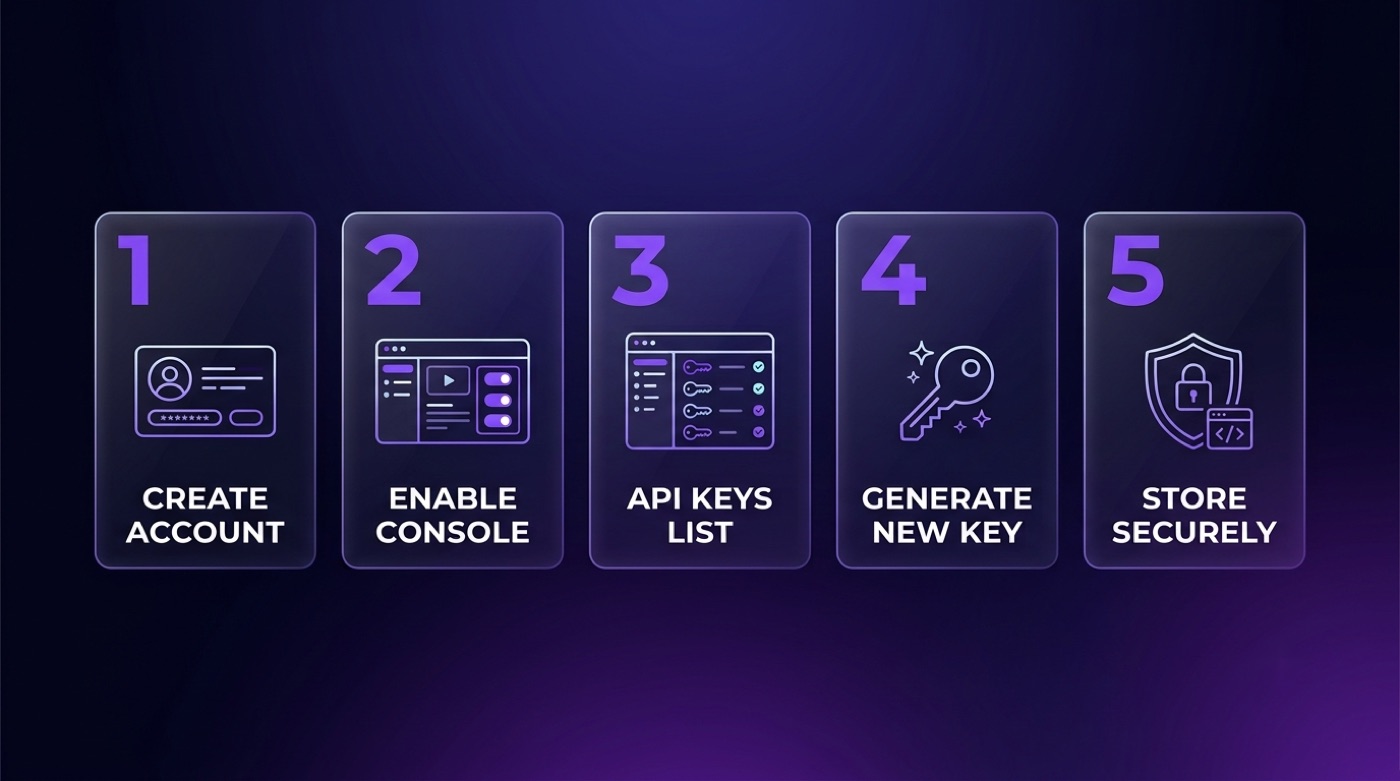
Getting a working key means creating an Alibaba Cloud account, activating Model Studio, and generating credentials from the console’s API Keys section. The official first-API-call guide walks through the exact console screens, which can shift slightly by region, so treat the steps below as the general shape rather than a pixel-perfect walkthrough.
Once generated, the key is passed as a Bearer token in the Authorization header of every request, and it’s common practice to store it in an environment variable such as DASHSCOPE_API_KEY rather than hardcoding it. New Model Studio accounts typically receive a limited free trial token quota to test the API before paying — the exact amount varies by region and time, so check your console’s billing page for the current figure rather than relying on any number quoted elsewhere.
Step-by-step (ordered list)
- Create or sign in to an Alibaba Cloud account.
- Open Alibaba Cloud Model Studio and activate the service.
- Navigate to the API Keys section in the console.
- Create a new API key and copy it — most consoles only show the full value once.
- Store the key as an environment variable (for example
DASHSCOPE_API_KEY), never directly in source code.
Exact console labels and menu positions may differ by region, so verify the current flow in the official documentation before you rely on written screenshots.
Keep your key safe (unordered list)
- Load the key from an environment variable or secrets manager, never commit it to source control.
- Rotate the key immediately if it’s ever exposed in logs, a repo, or a client-side bundle.
- Set per-key rate or spend limits where the console allows it, so a leaked key can’t run up unbounded usage.
- Use separate keys per environment (development, staging, production) so you can revoke one without breaking the others.
Which Qwen models you can call via API
Model Studio’s catalog is organized into tiers rather than a single model. The commercial flagship text tiers are qwen-max, qwen-plus, and qwen-turbo, roughly ordered from highest reasoning capability to fastest and cheapest per token. Alongside those, Alibaba Cloud also offers long-context and multimodal variants under the qwen-vl family, plus coding-specialized models such as qwen-coder and qwen3-coder. Exact current model IDs, context window sizes, and per-token prices change often enough that the only reliable source is the live API reference — don’t treat any fixed number as permanent, and don’t trust invented model names that aren’t listed there.
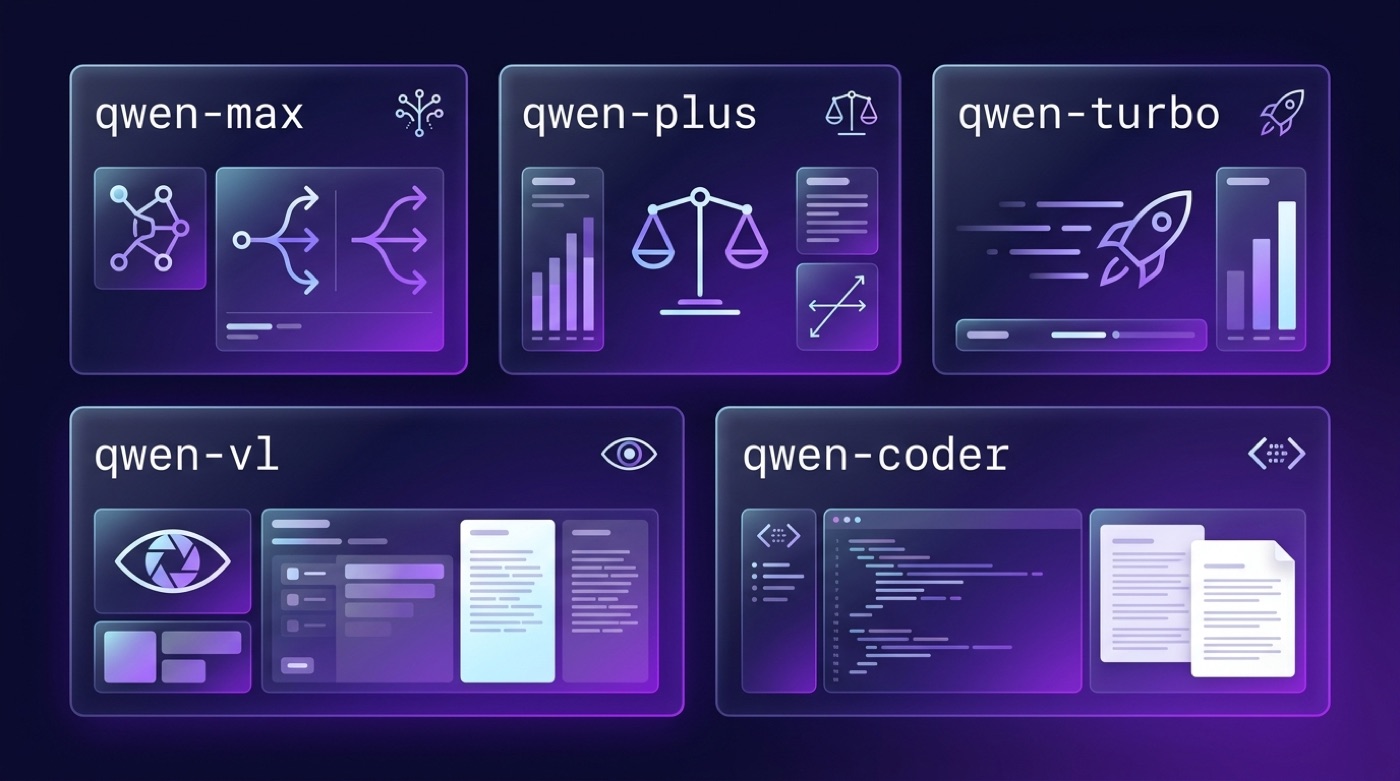
Commercial tiers (table)
| Model family | Best for | Note |
|---|---|---|
| qwen-max | Hardest reasoning tasks | Highest capability tier |
| qwen-plus | Balanced default | Good general-purpose starting point |
| qwen-turbo | High-volume, low-latency workloads | Fastest and cheapest per call |
| qwen-vl-* | Vision + text (multimodal) | For image-input use cases |
| qwen-coder / qwen3-coder | Code generation and review | Coding-specialized variants |
Illustrative — confirm exact model IDs, context lengths and pricing in the official API reference.
Open-weight models served the same way
Beyond the commercial tiers, Model Studio also serves open-weight checkpoints from the Qwen2.5 and Qwen3 families through the same API surface — these are the same weights available for download on Hugging Face. Matching an API model ID to its Hugging Face repository name is generally straightforward, since Alibaba Cloud keeps the naming conventions aligned, but it’s still worth cross-checking the API reference against the model card before assuming parity in defaults like context length or system-prompt handling.
Make your first request (minimal example)
The fastest way to test the Qwen API is through the OpenAI-compatible endpoint, since it lets you reuse the standard OpenAI SDK with two changes: swap base_url for Model Studio’s compatible-mode endpoint, and swap the API key for your DashScope key. The official quick-start is the canonical reference for the current endpoint value, which differs between the China and International regions — don’t hardcode one you found elsewhere without checking.
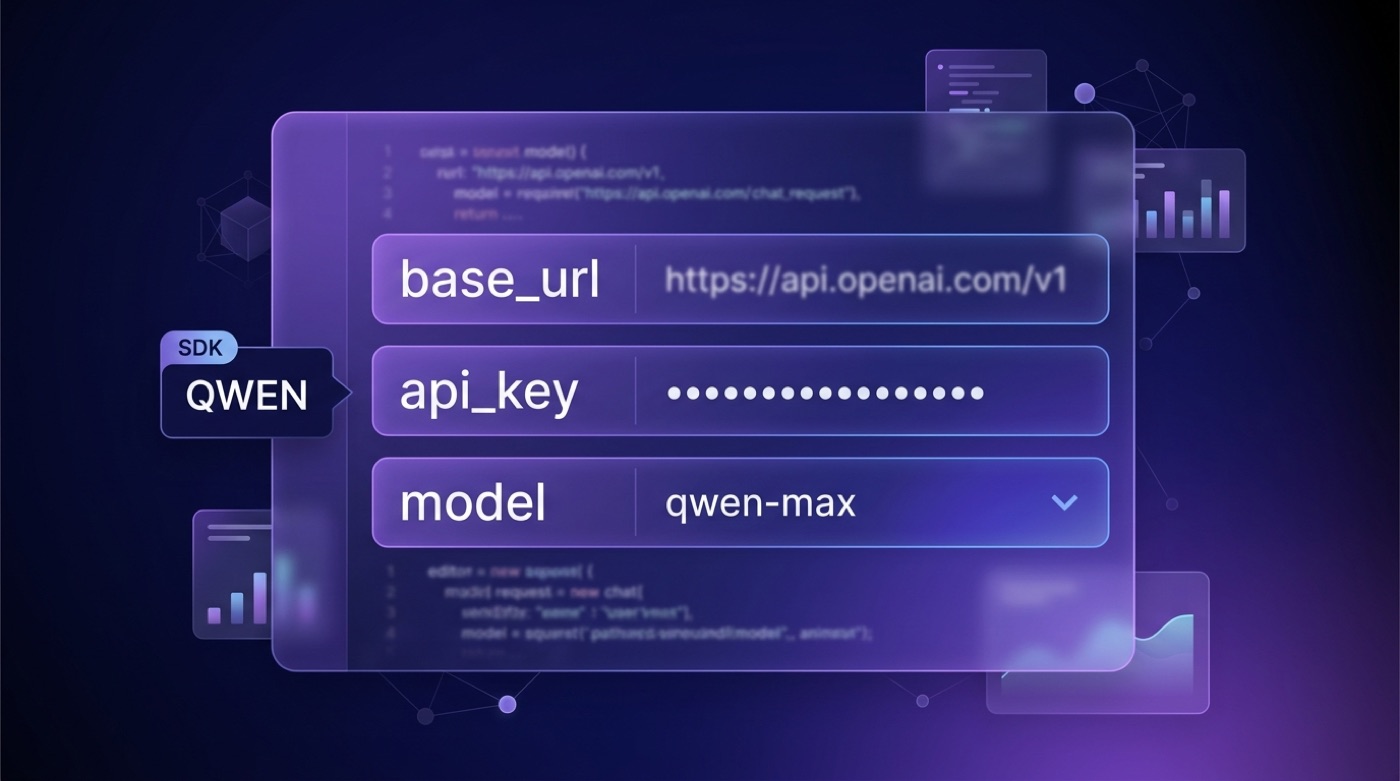
Python (OpenAI SDK) — illustrative
import os
from openai import OpenAI

client = OpenAI(
    api_key=os.getenv("DASHSCOPE_API_KEY"),
    base_url="<compatible-mode endpoint>",  # verify current endpoint & model names in the official Model Studio docs
)

response = client.chat.completions.create(
    model="qwen-plus",  # verify current endpoint & model names in the official Model Studio docs
    messages=[
        {"role": "user", "content": "Explain what DashScope is in one sentence."}
    ],
)

print(response.choices[0].message.content)
curl — illustrative
# verify current endpoint & model names in the official Model Studio docs
curl -X POST "<compatible-mode endpoint>/chat/completions" \
  -H "Authorization: Bearer $DASHSCOPE_API_KEY" \
  -H "Content-Type: application/json" \
  -d '{
        "model": "qwen-plus",
        "messages": [{"role": "user", "content": "Hello"}]
      }'
Regions & authentication
Model Studio runs across several regional endpoints — including China (Beijing) and international locations such as Singapore — and keys are tied to the region they were created in: a key issued for one region will not authenticate against another region’s endpoint. Authentication itself is uniform: a Bearer token carried in the Authorization header on every request. Always check the console for the current list of supported regions and the matching endpoint for each.
The OpenAI-compatible mode means most existing OpenAI SDK integrations need only a base_url and API key swap to call Qwen — but that base_url is region-specific and documented at alibabacloud.com/help/en/model-studio/.
Alternative: self-host Qwen with open weights
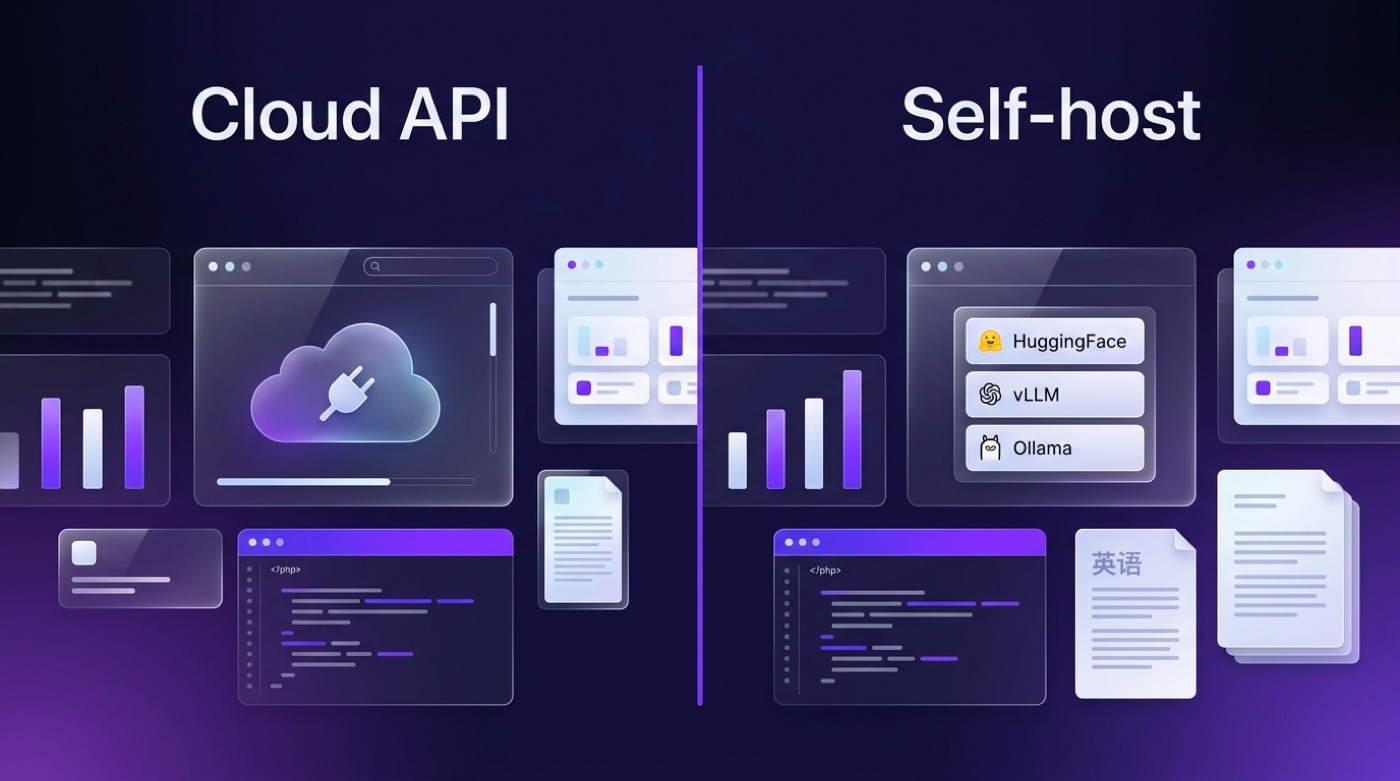
If per-token billing or data residency is a blocker, Qwen’s open-weight checkpoints are published on Hugging Face and mirrored in the QwenLM GitHub organization, with many models released under the Apache 2.0 license. Running them yourself means loading the checkpoints with Hugging Face Transformers, or serving them through an inference engine like vLLM or Ollama, both of which can expose their own OpenAI-compatible endpoint locally. The trade-off is straightforward: you give up per-token pricing and pay in GPU hardware and operations time instead, in exchange for full control over your data and infrastructure.
On licensing, the Qwen team has been explicit about the open-weight models:
The open-weight Qwen3 models are released under the permissive Apache 2.0 license, which generally allows free commercial use — always confirm the exact terms on the specific model card you deploy.
Source: Qwen3 repository, github.com/QwenLM/Qwen3 and the official Qwen blog.
When to use the API vs. self-hosting (table)
| Factor | Model Studio API | Self-hosted open weights |
|---|---|---|
| Setup | Create account, generate key, call endpoint | Provision GPUs, install serving stack |
| Cost model | Pay per token | Pay for hardware/cloud compute + ops time |
| Scaling | Handled by Alibaba Cloud | You manage capacity yourself |
| Data control | Data passes through Alibaba Cloud | Fully on your own infrastructure |
| Hardware | None required | GPU(s) required for reasonable throughput |
| Model choice | Commercial tiers + hosted open weights | Any open-weight checkpoint you can run |
| Best for | Fast prototyping, low ops overhead | Data-sensitive workloads, heavy sustained usage |
Quick local start (unordered list)
- Ollama — install the runtime, then run a command such as
ollama run qwen3(illustrative — check the current model tag/name in Ollama’s library before running it). - vLLM —
pip install vllm, thenvllm serve <Qwen repo id>to expose an OpenAI-compatible endpoint locally (illustrative — confirm the exact repo id on Hugging Face). - Transformers — load a checkpoint directly from huggingface.co/Qwen for full control over inference code.
Licensing & compliance (unordered list)
- Most Qwen open-weight models are released under the Apache 2.0 license, which generally permits commercial use.
- Some model variants have historically shipped under different or more restrictive terms.
- Always read the license file on the specific model card you intend to deploy — don’t assume Apache 2.0 applies uniformly across every Qwen release.